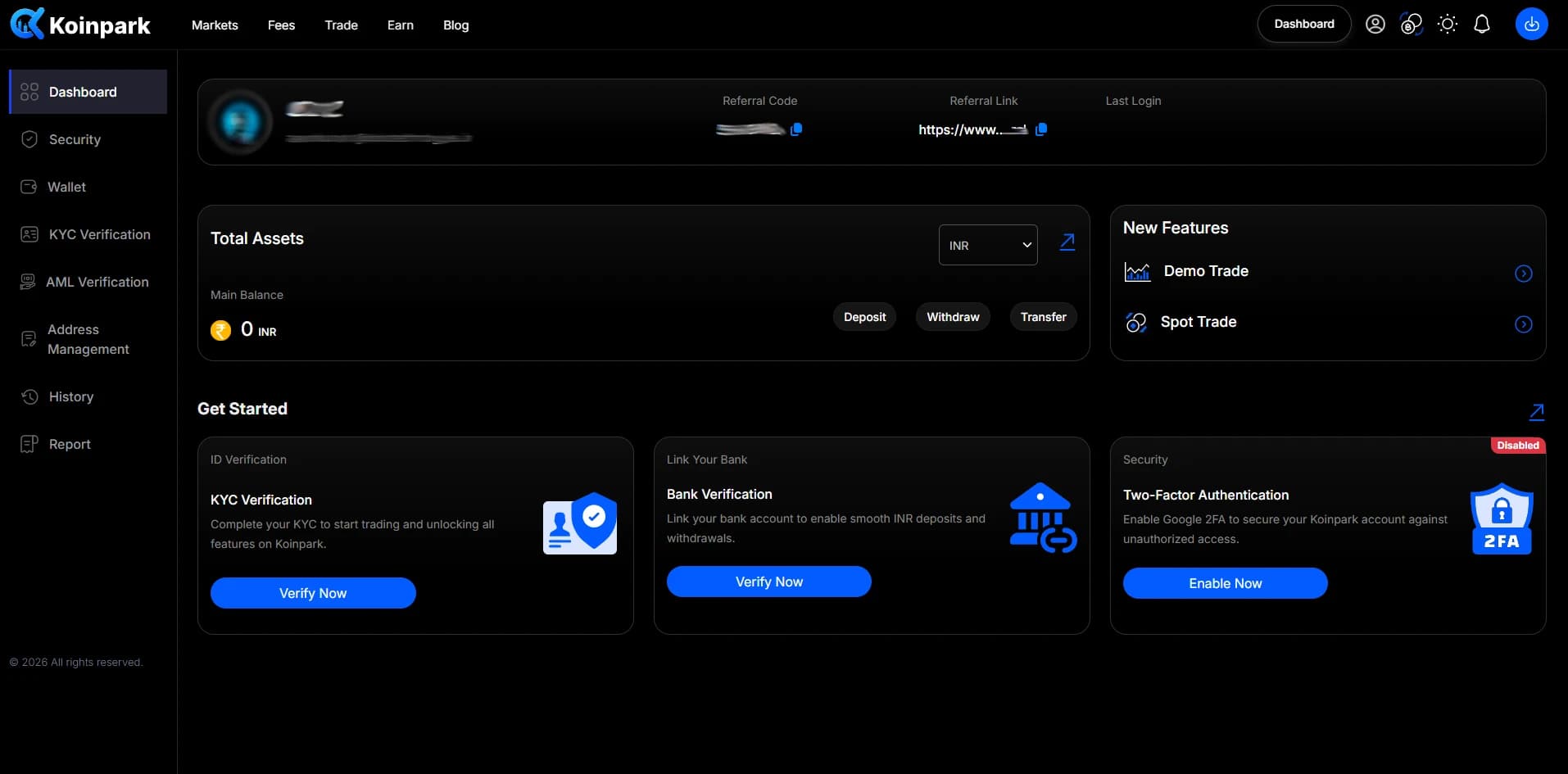

Support Center > Account Creation
How to Sign Up on Koinpark?
Follow these simple steps to Sign up on Koinpark (best cryptocurrency exchange in india) and start trading securely.
Go to the [Sign Up] page on Koinpark.
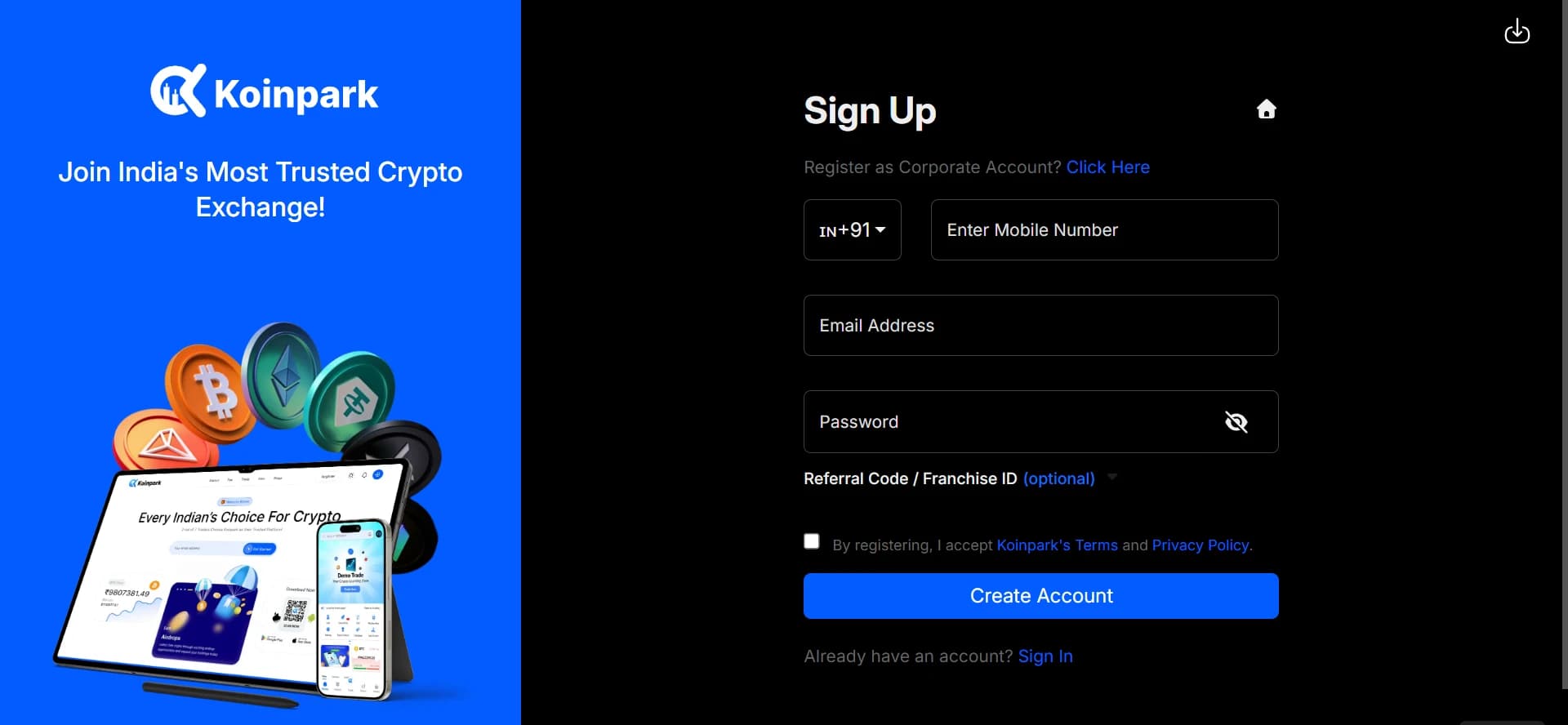
Enter your active [Mobile Number] and provide a valid [Email ID] for verification.
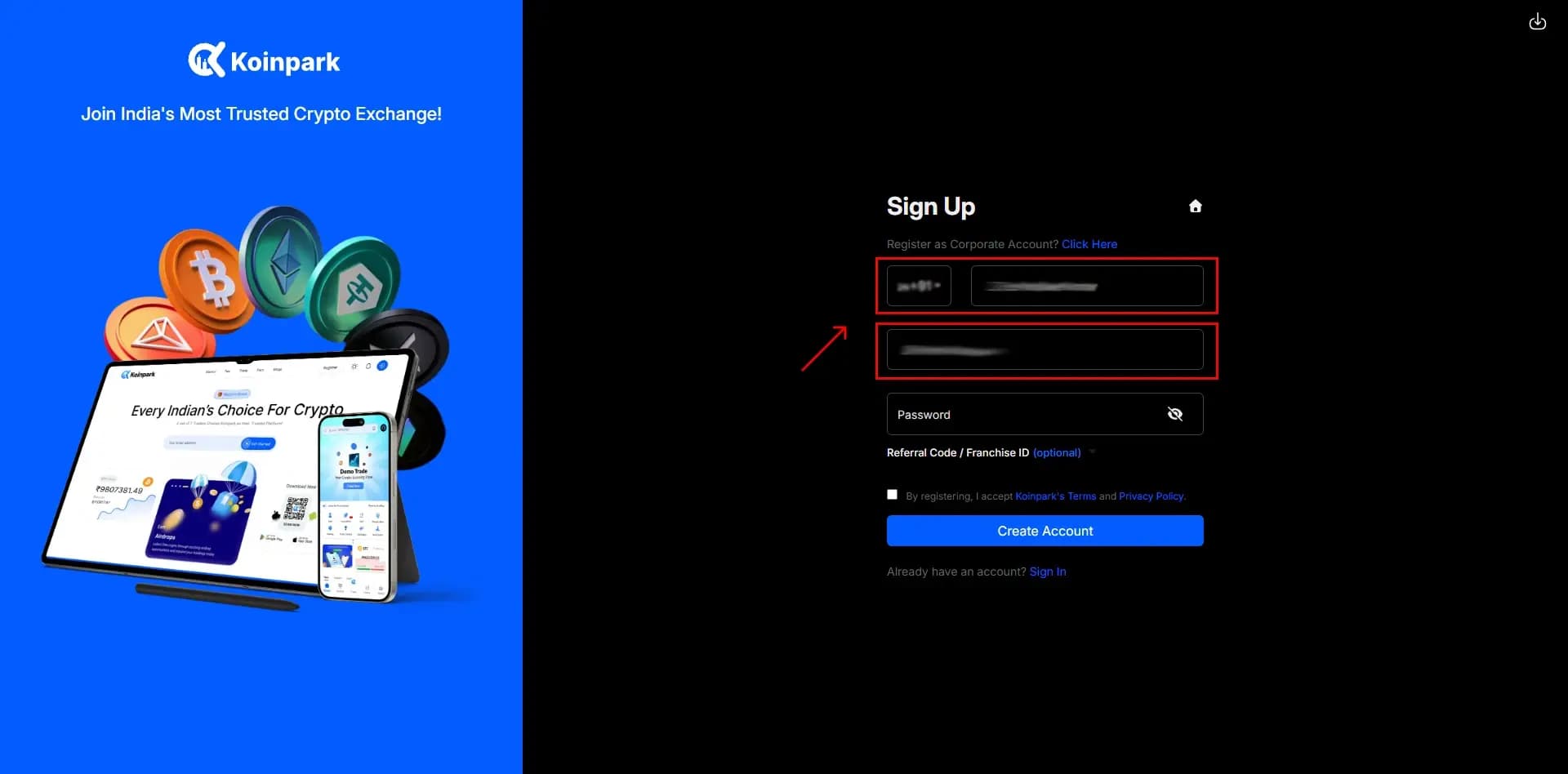
Create a strong [Password] with at least 8 characters, including letters, numbers, and symbols.
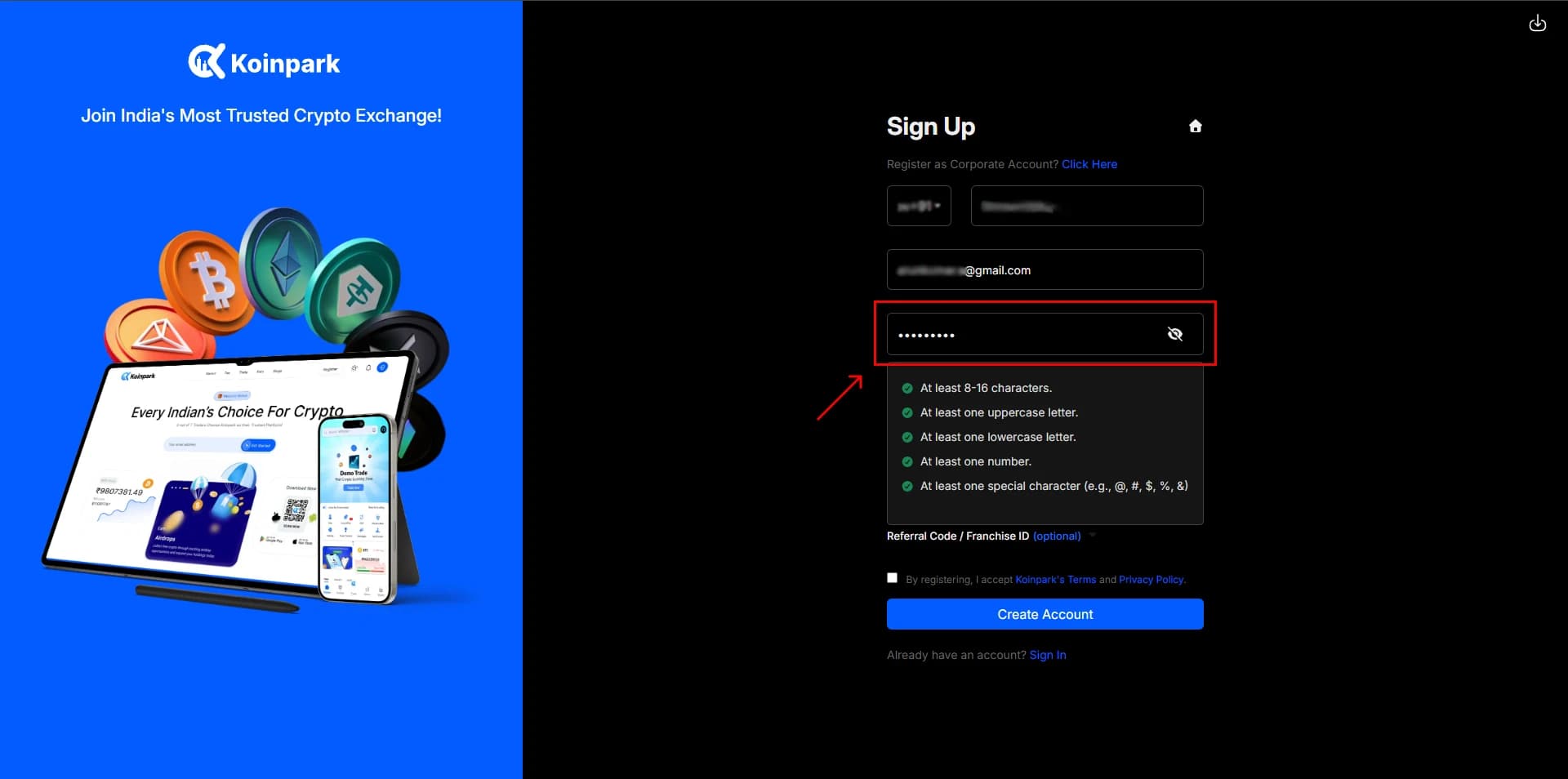
If you have a [Referral Code] or [Franchise ID], enter it here.
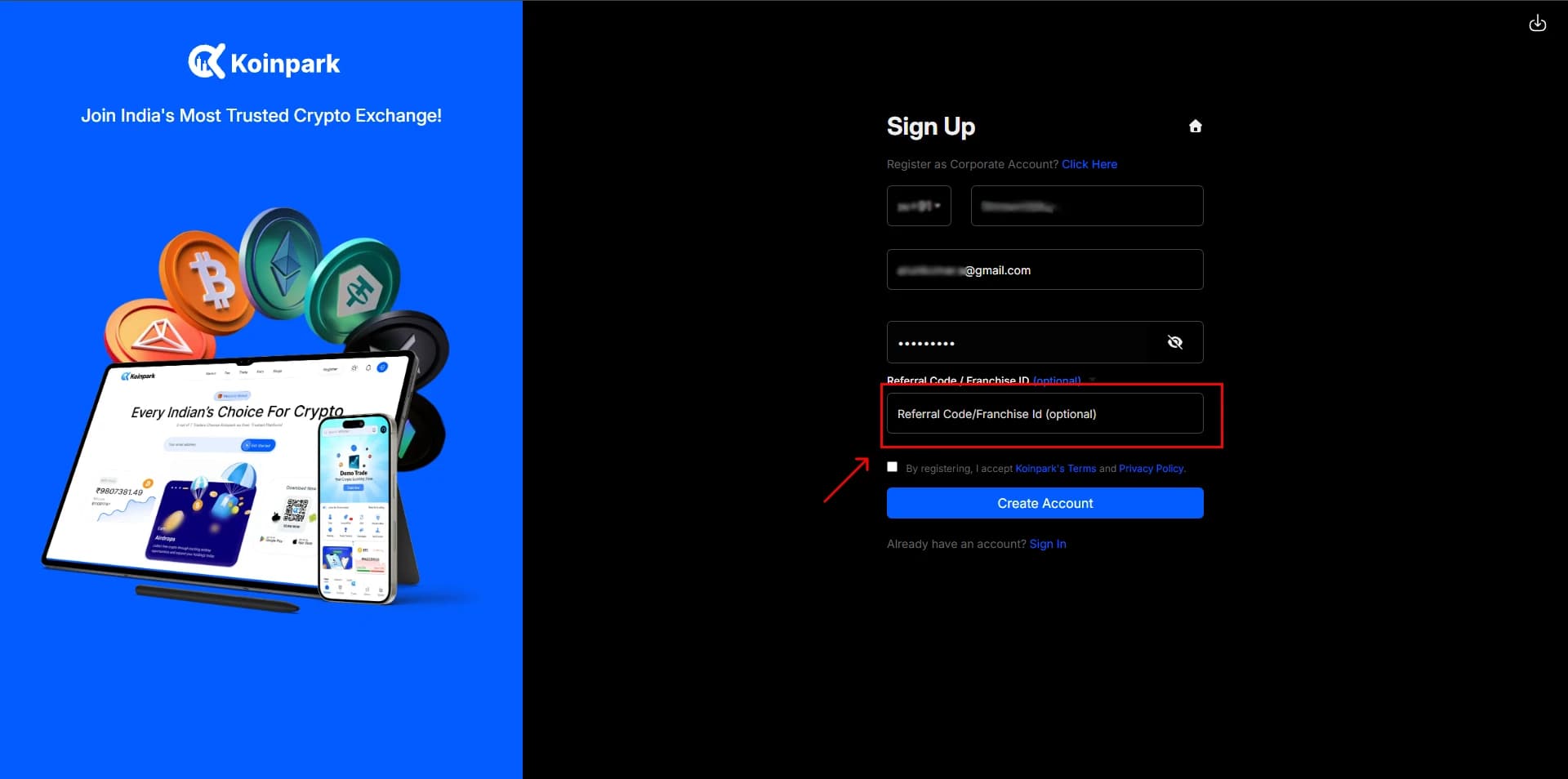
Check the box to agree to Koinpark’s [Terms & Conditions] and [Privacy Policy].
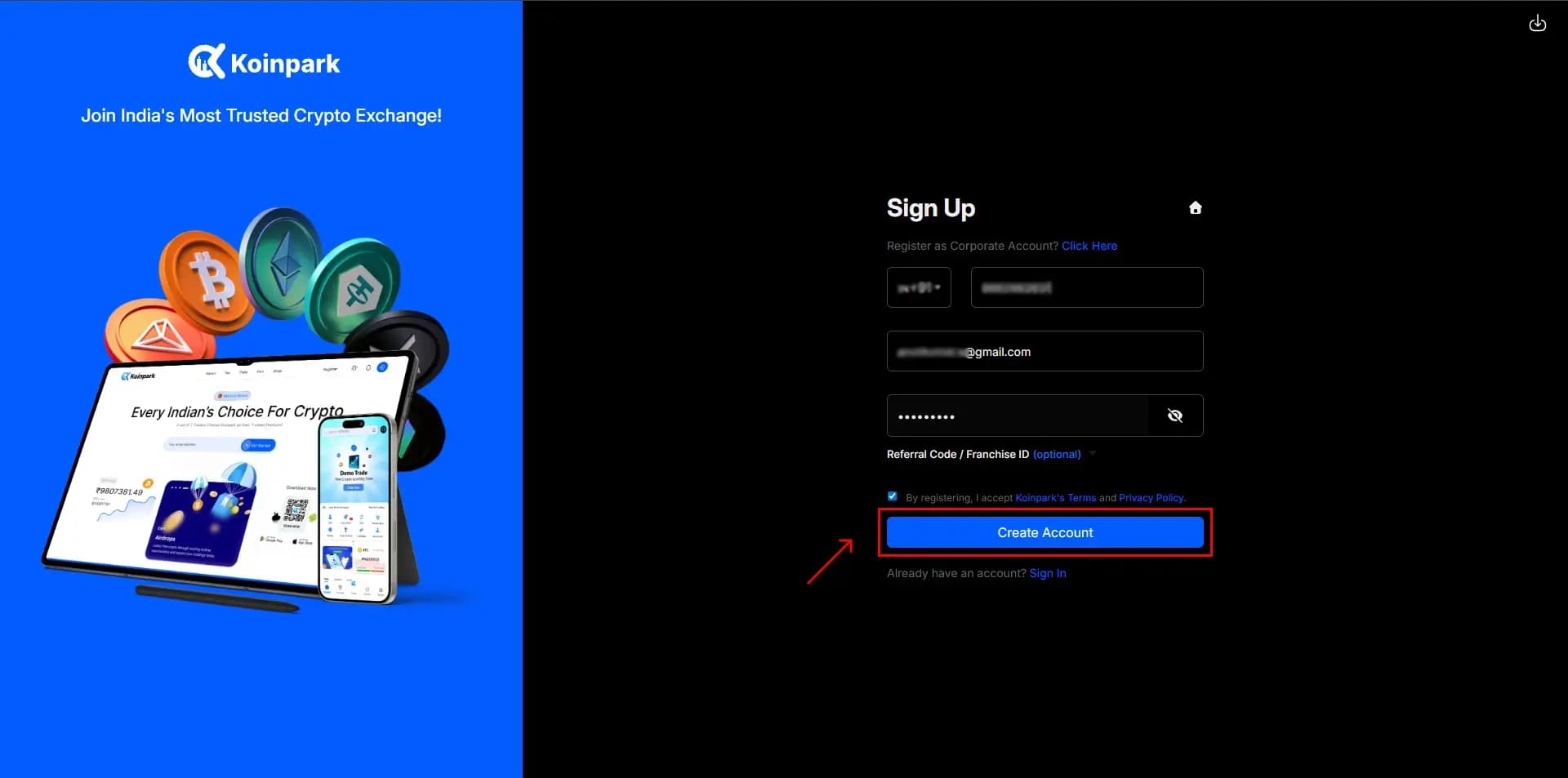
Tap on [Create Account] to proceed.
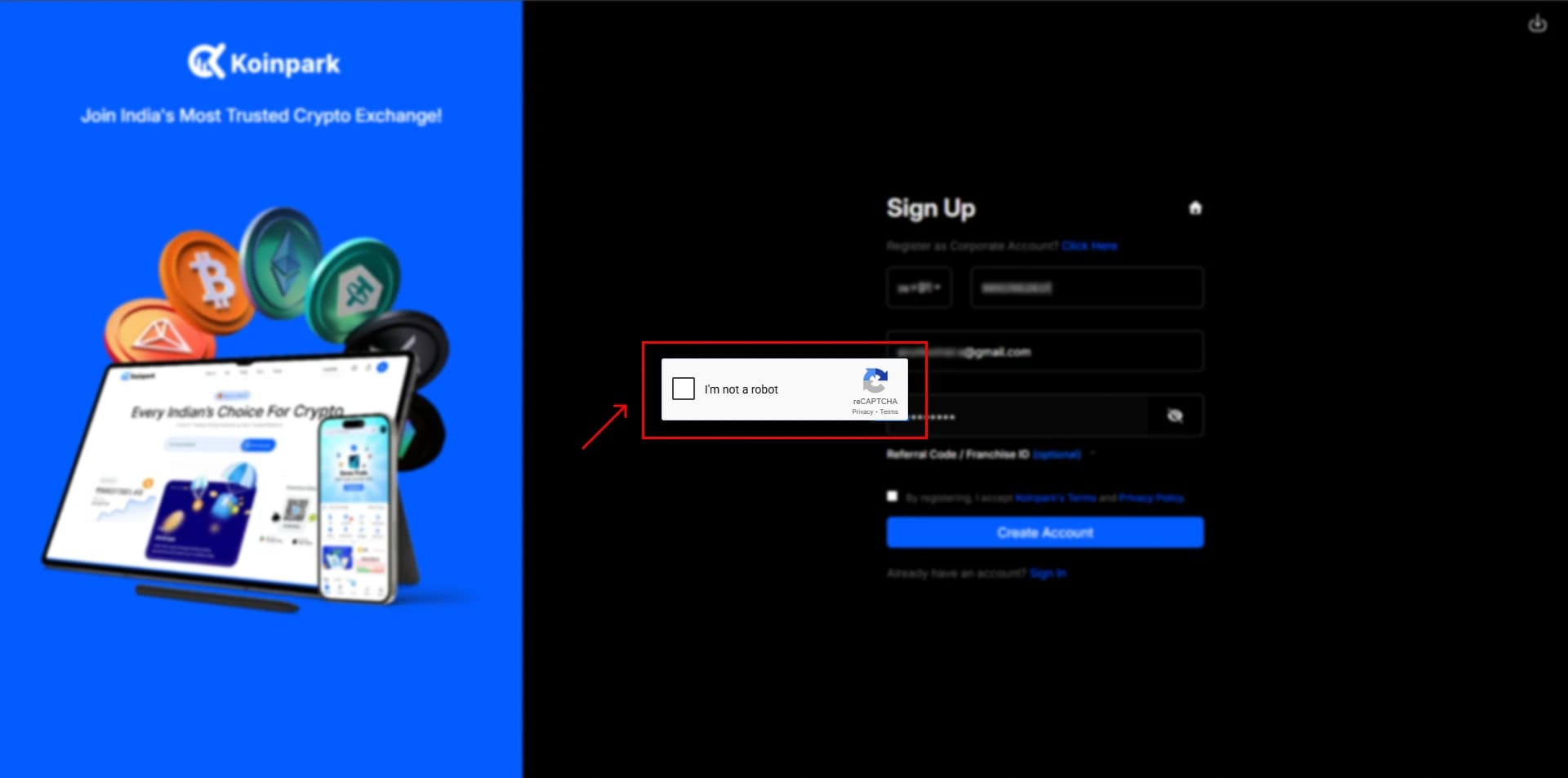
Check the [I’m not a robot] box to verify your identity.
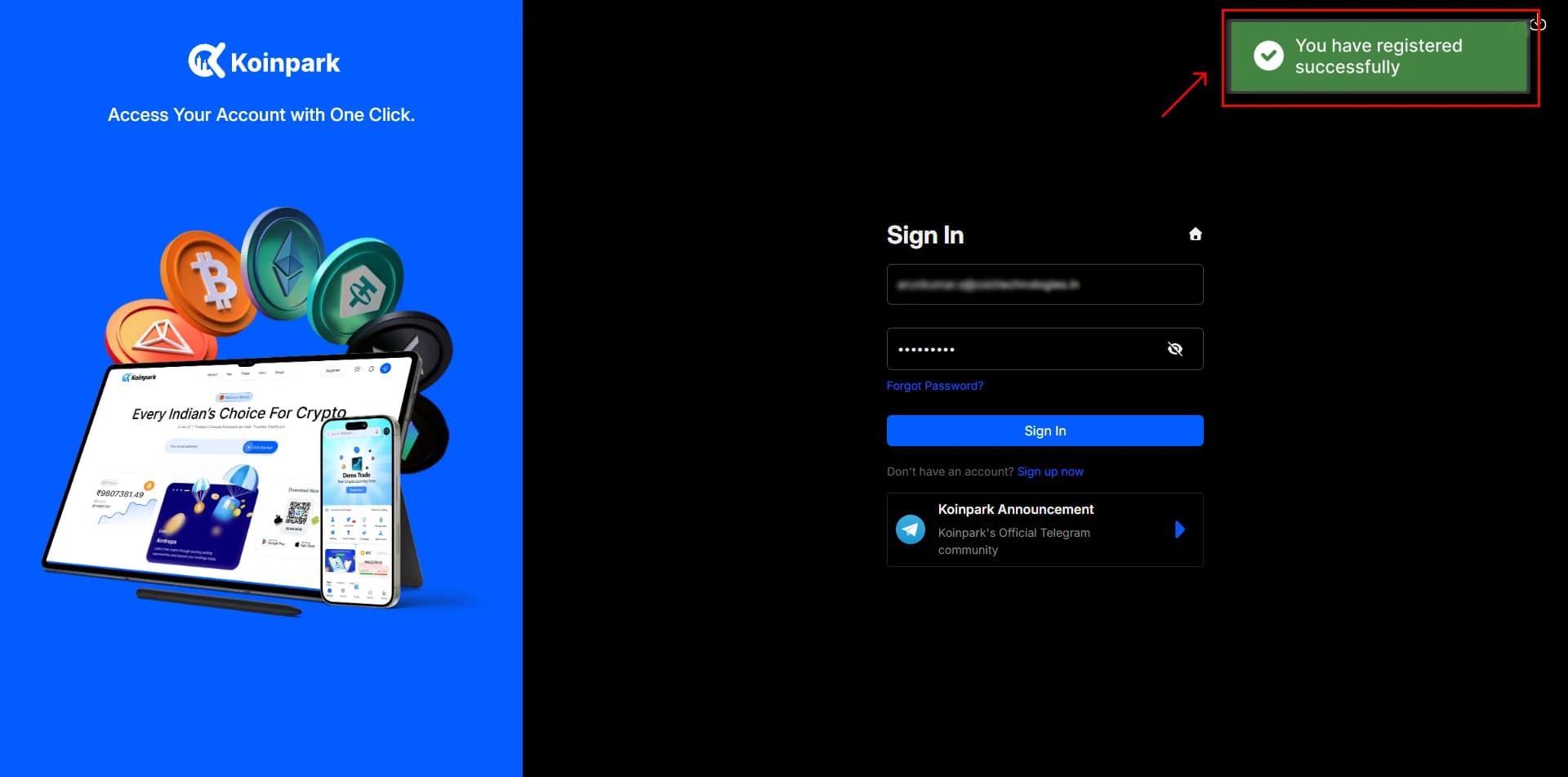
A pop-up message will confirm that your Koinpark account has been successfully created.
You’ll also receive a [Confirmation Email] - check your inbox or spam folder if you don’t see it.
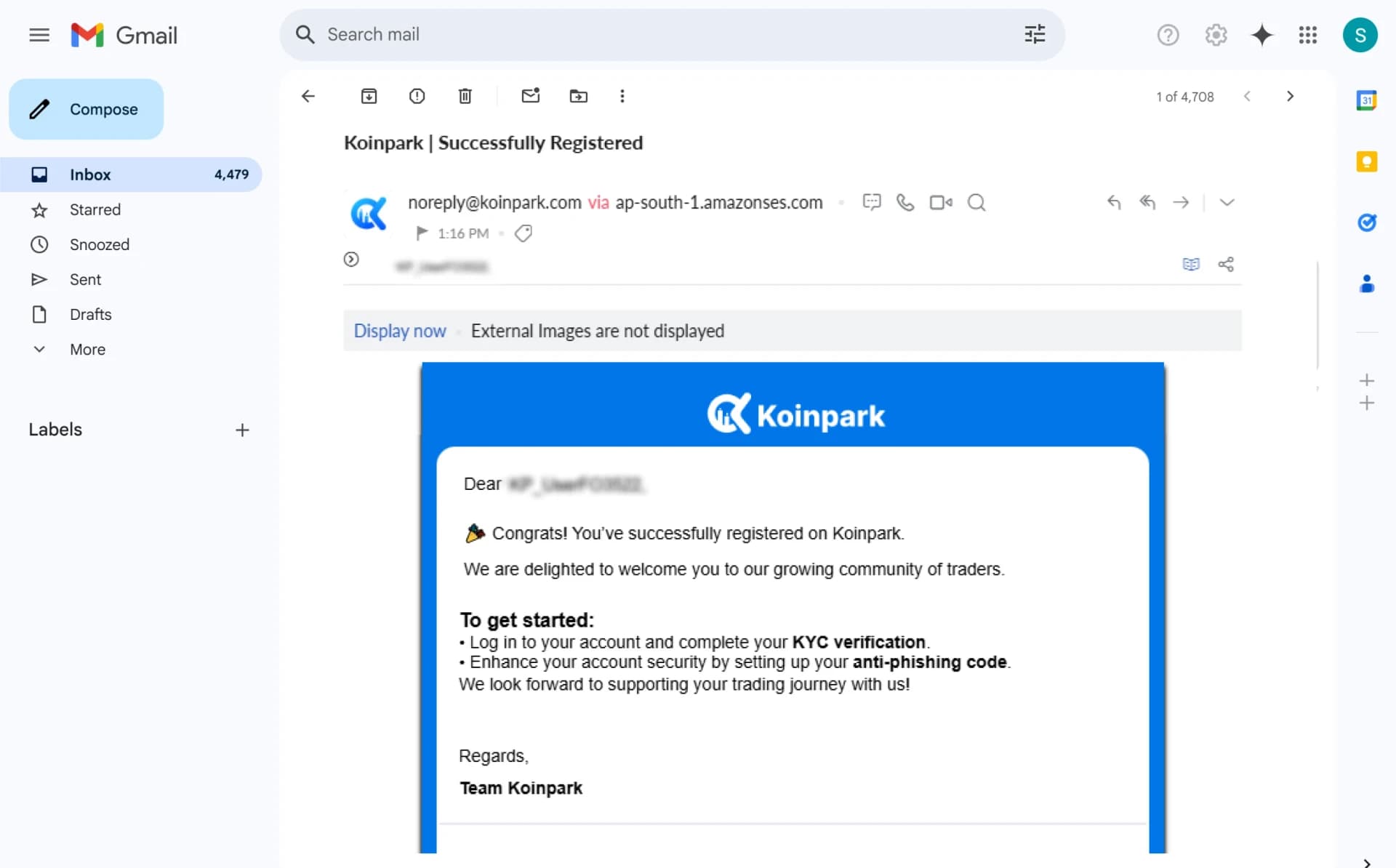
Once confirmed, try signing in to activate your account.
How to Sign In on Koinpark?
Visit the [Sign In] page on Koinpark.
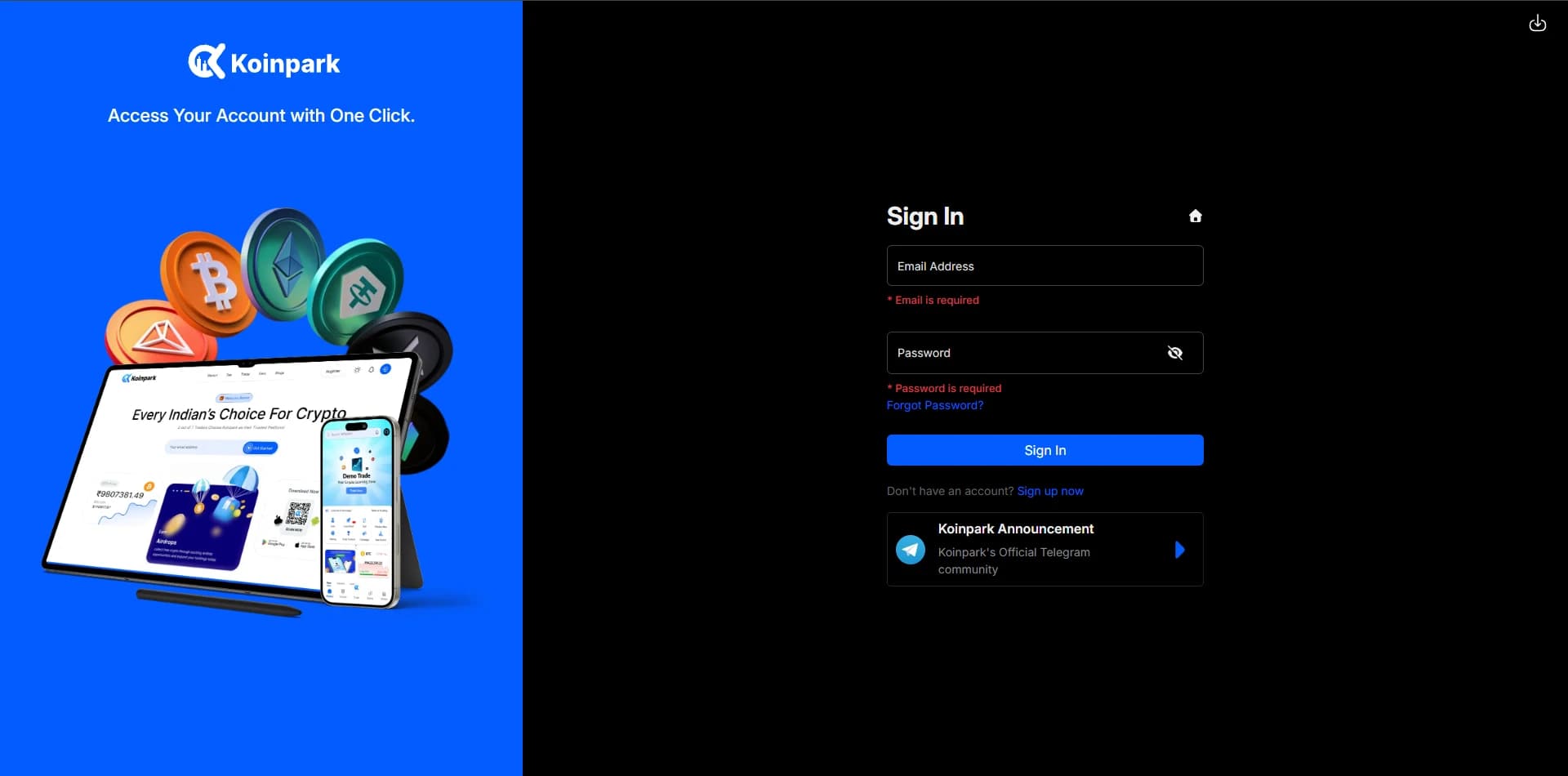
Enter your [Email ID] and [Password], then click the Sign In button.
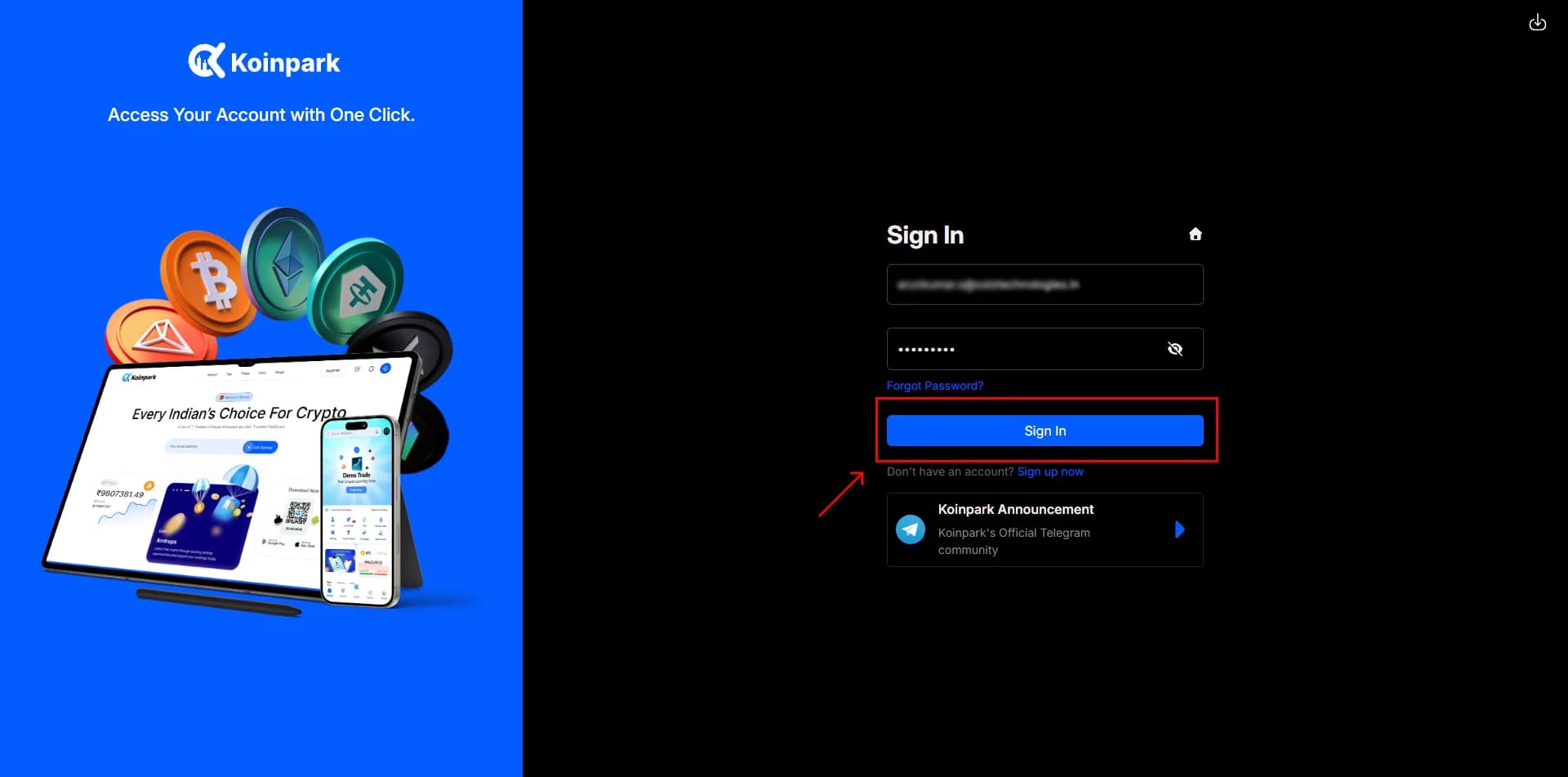
Check the [I’m not a robot] box to verify your identity.
Enter the [6-digit verification code] sent to your email and submit it.
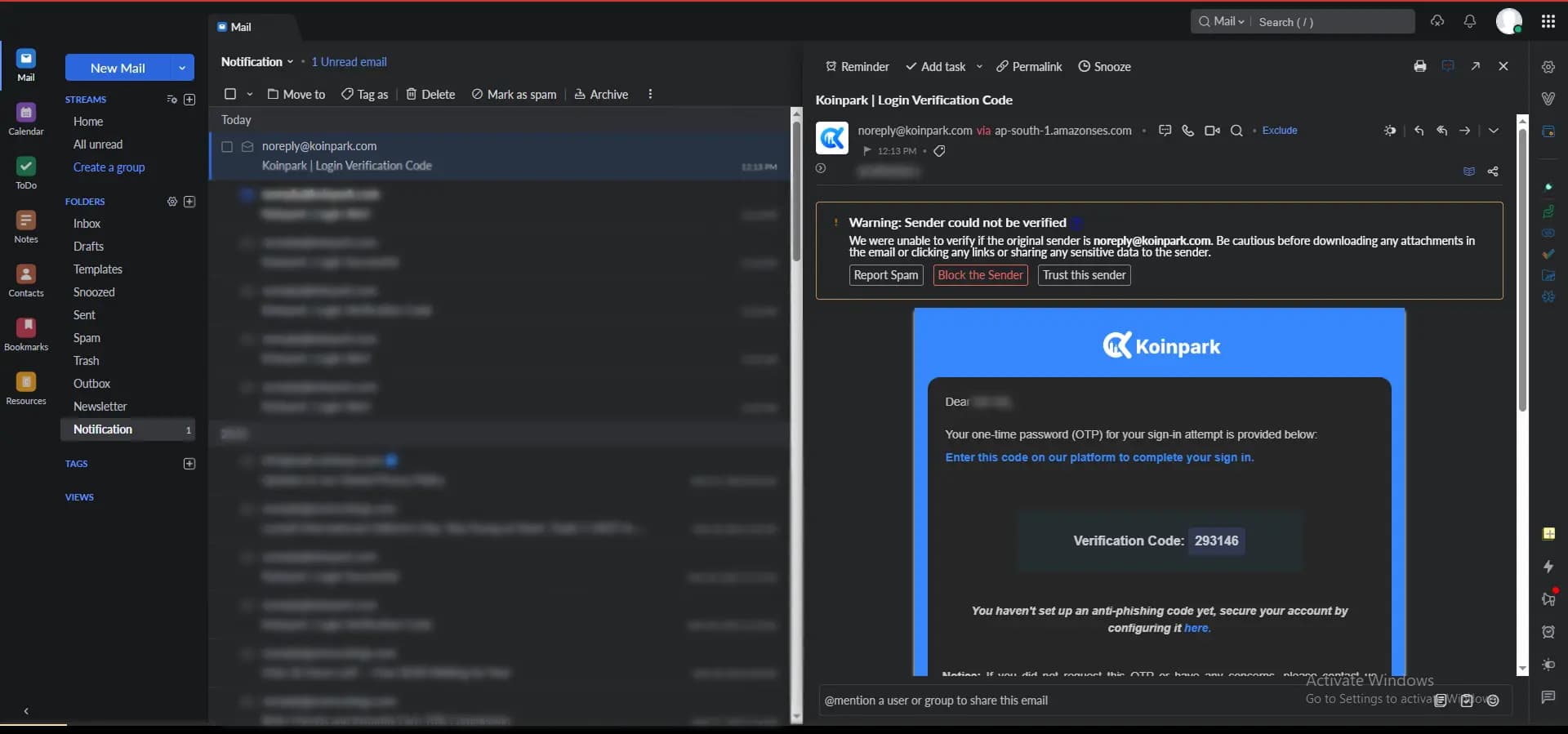
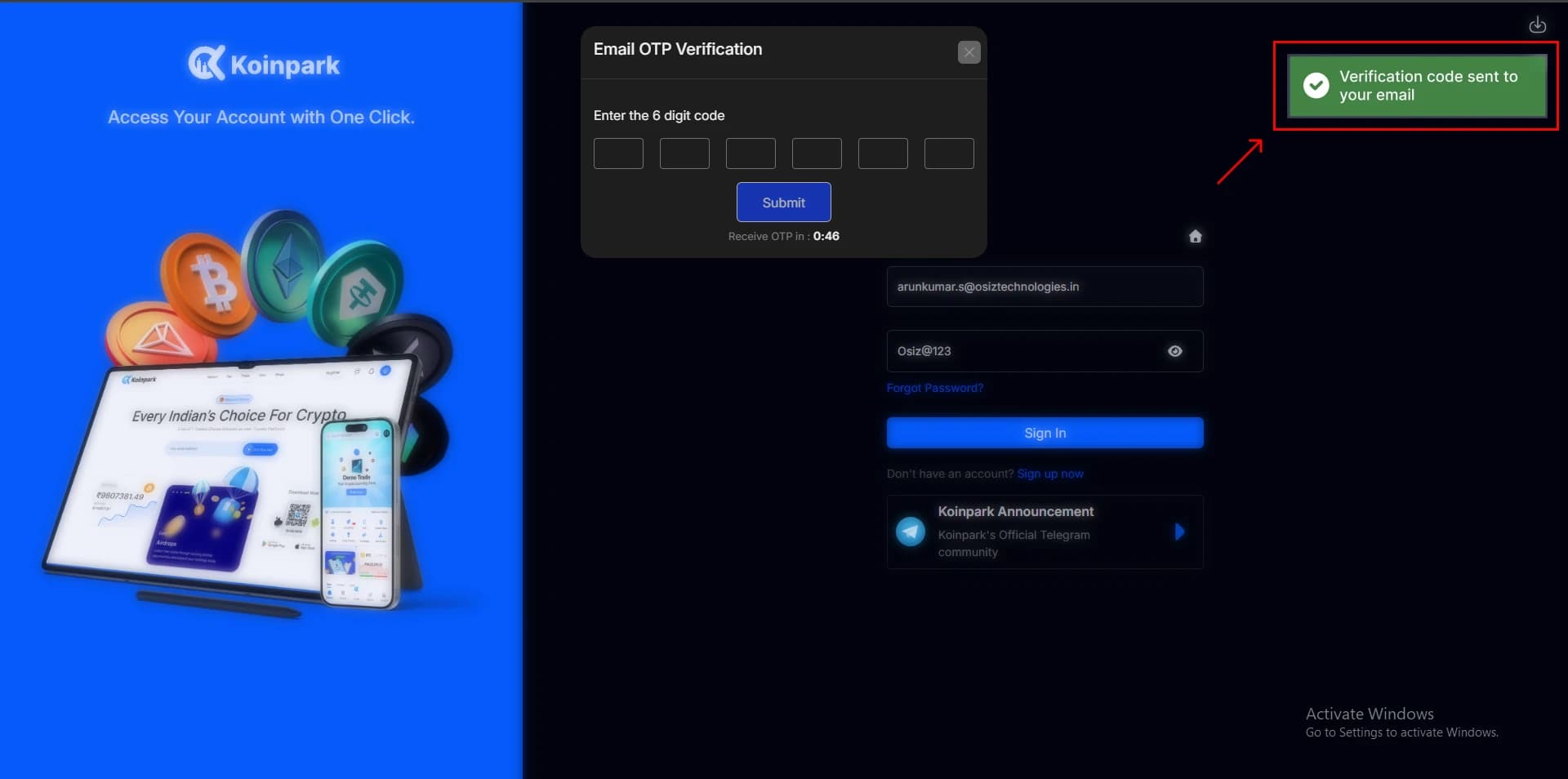
You’ll get a message showing [Login successful!].
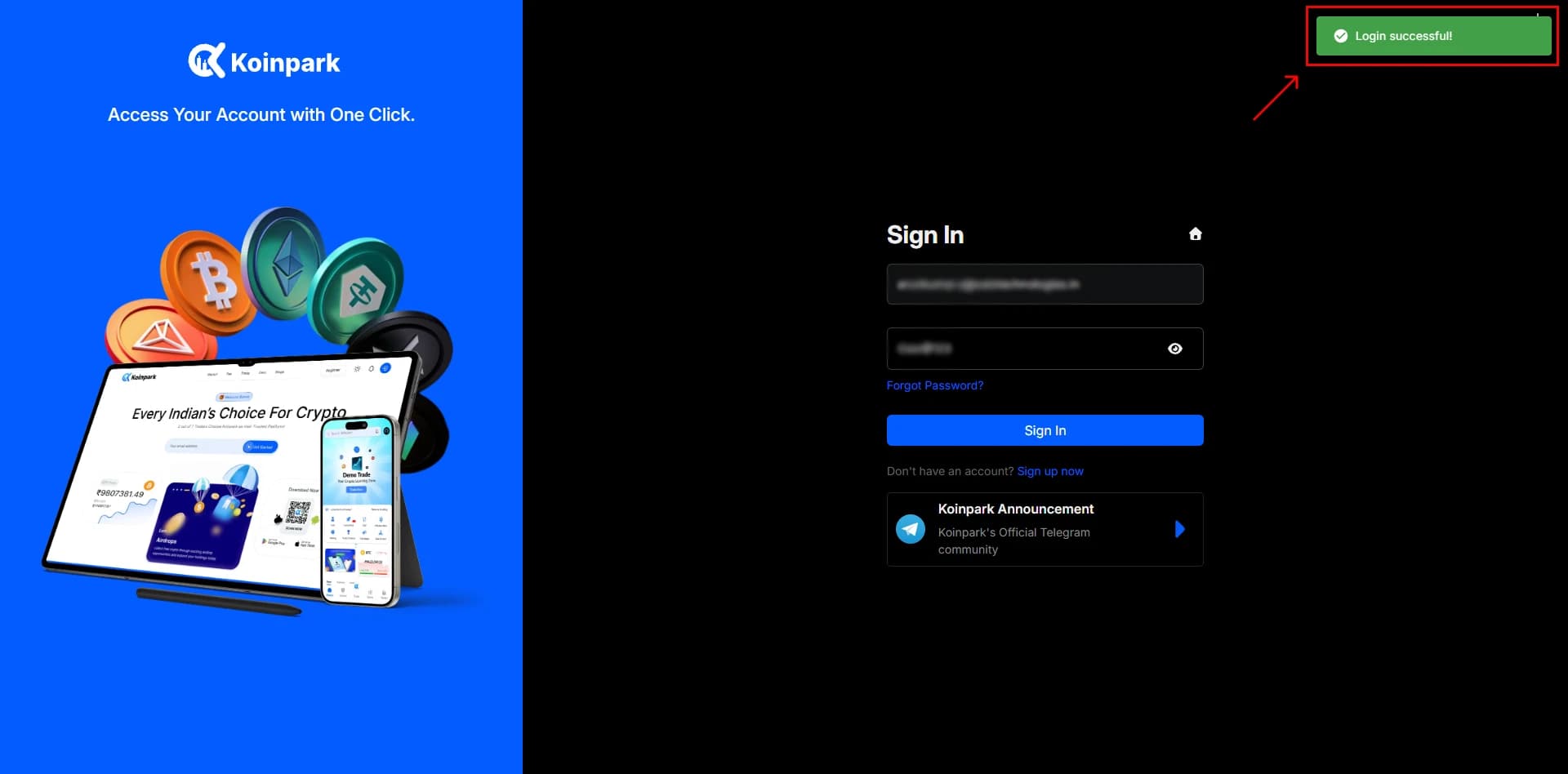
Once verified, your dashboard will be displayed.