
Support Center > KYC verification
How to Complete KYC (Indian) on Koinpark?
To quickly complete your KYC on Koinpark, just follow the steps below:
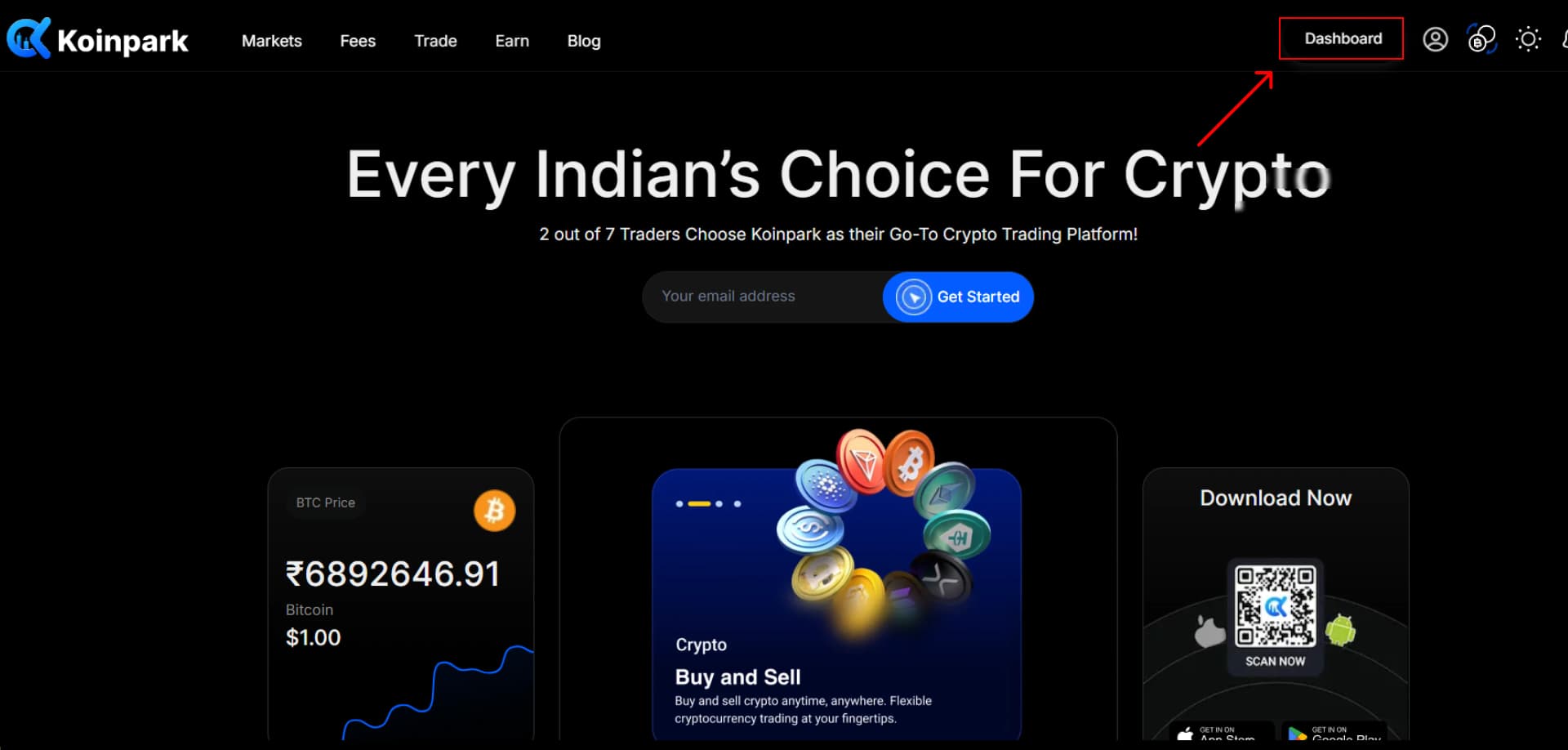
First, go to the Koinpark website and click on the [Dashboard] field.
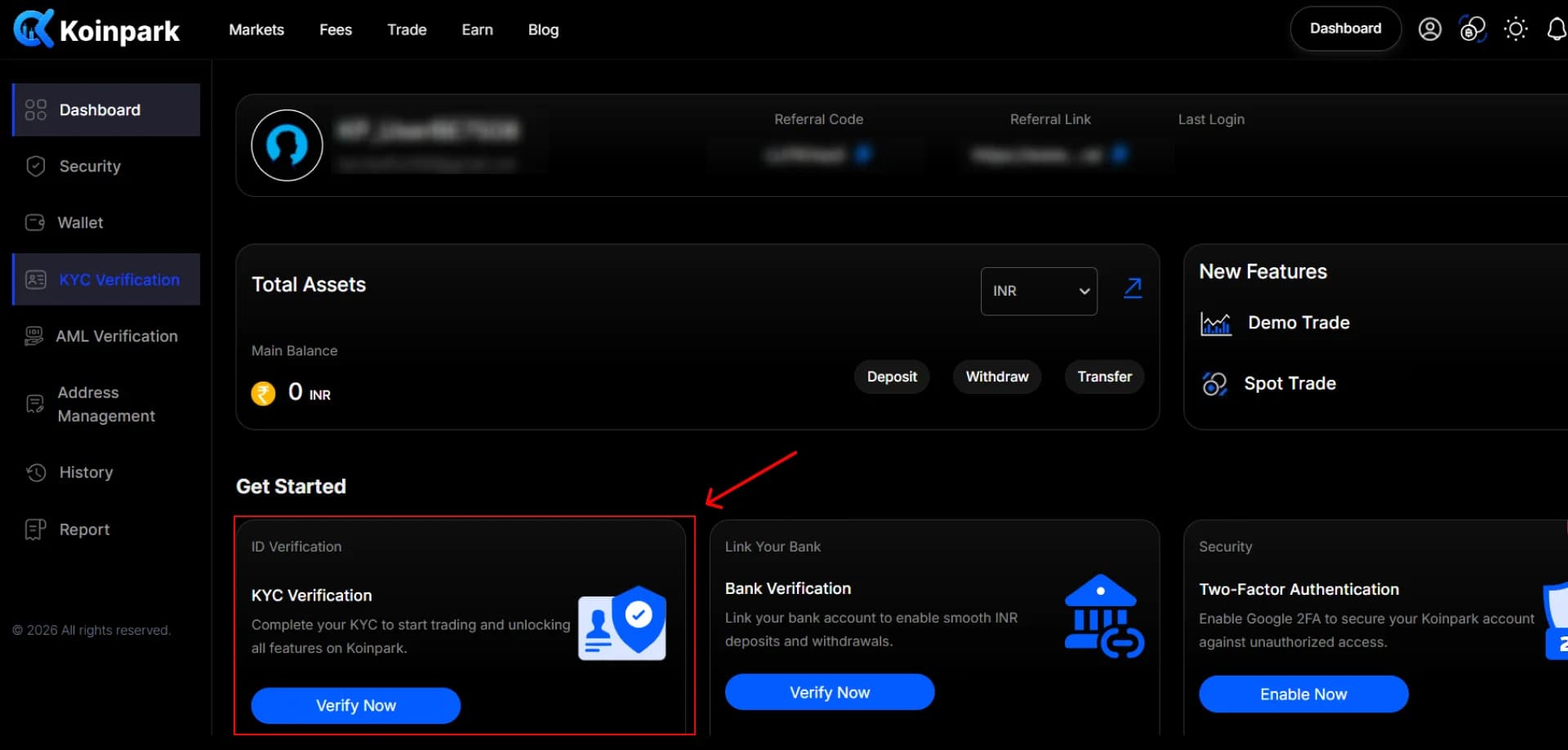
Locate the [KYC Verification] section and click on the [Verify Now] button.
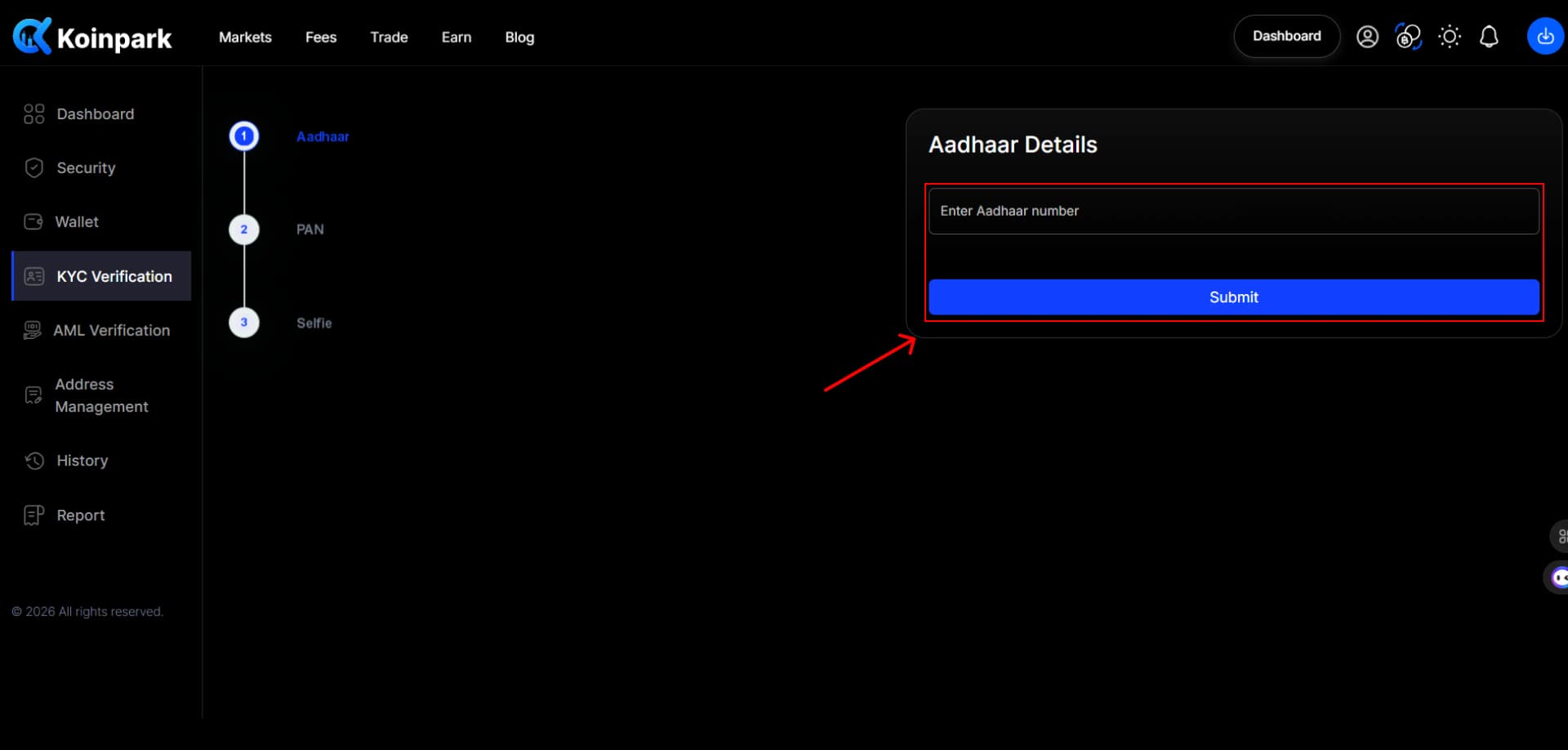
Enter your [Aadhaar Number] and click the [Submit] button.
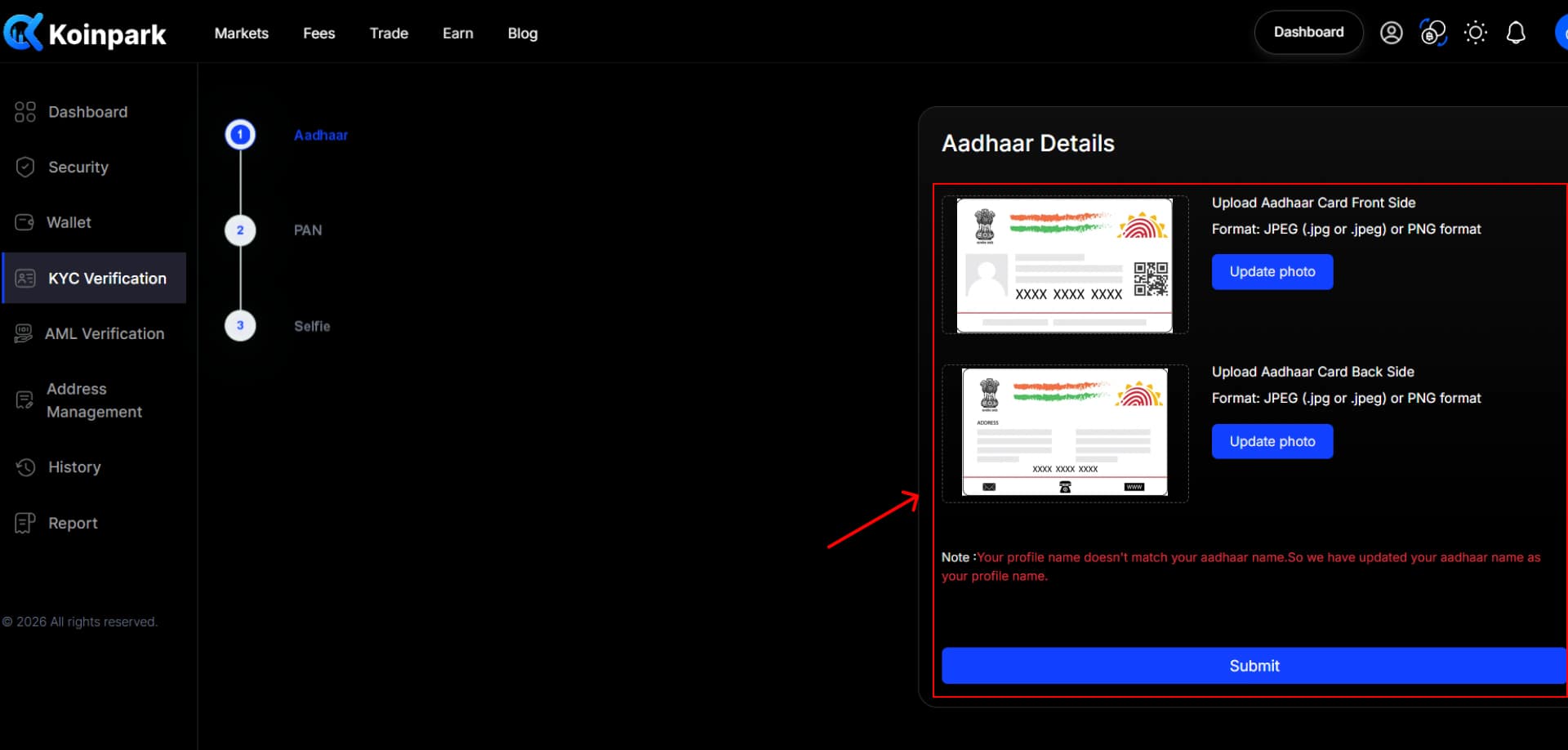
Upload the front and back sides of the Aadhaar in the respective fields, then click Update Photo for each upload
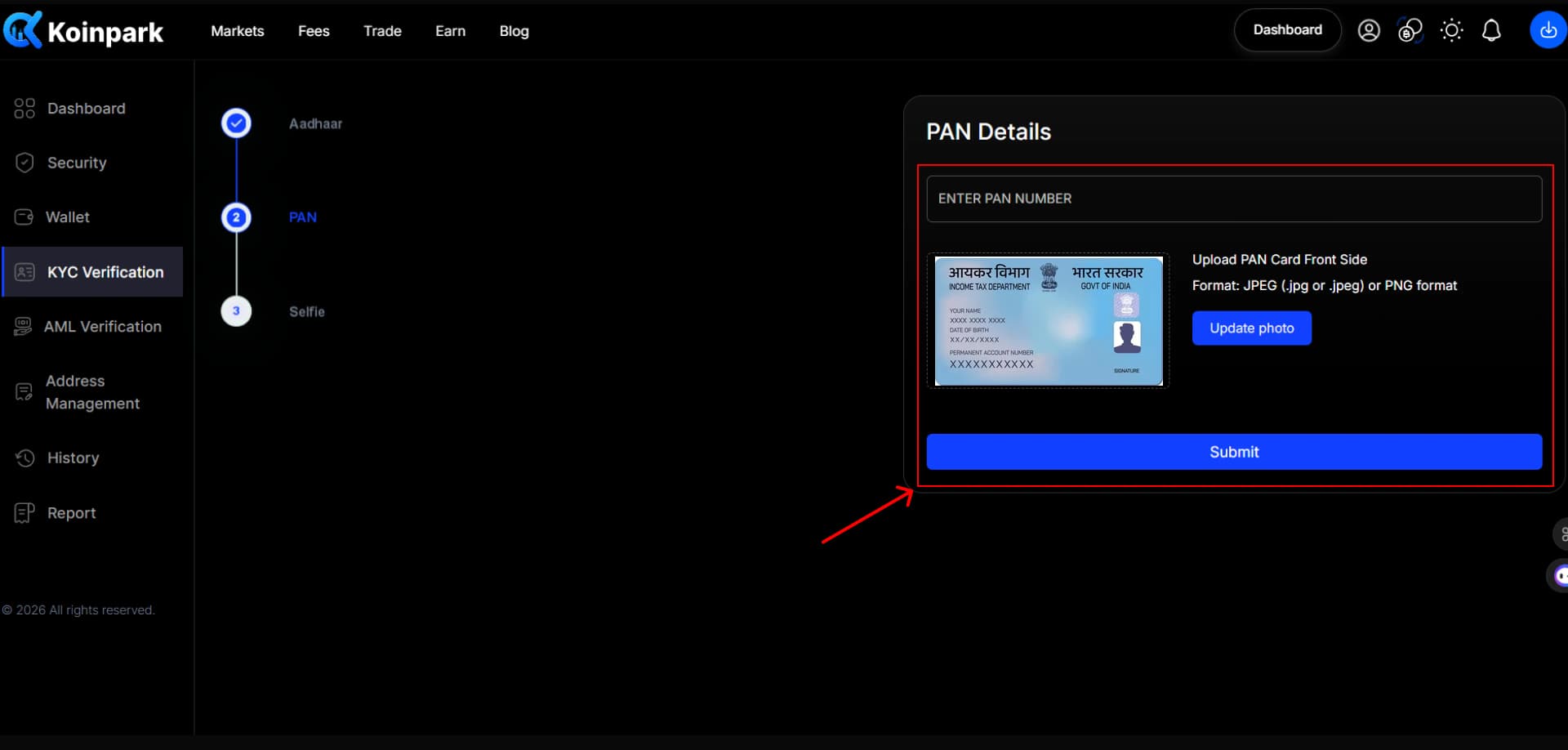
Next, provide your [PAN Number] and upload PAN card front side. Then, hit the [Submit] button.
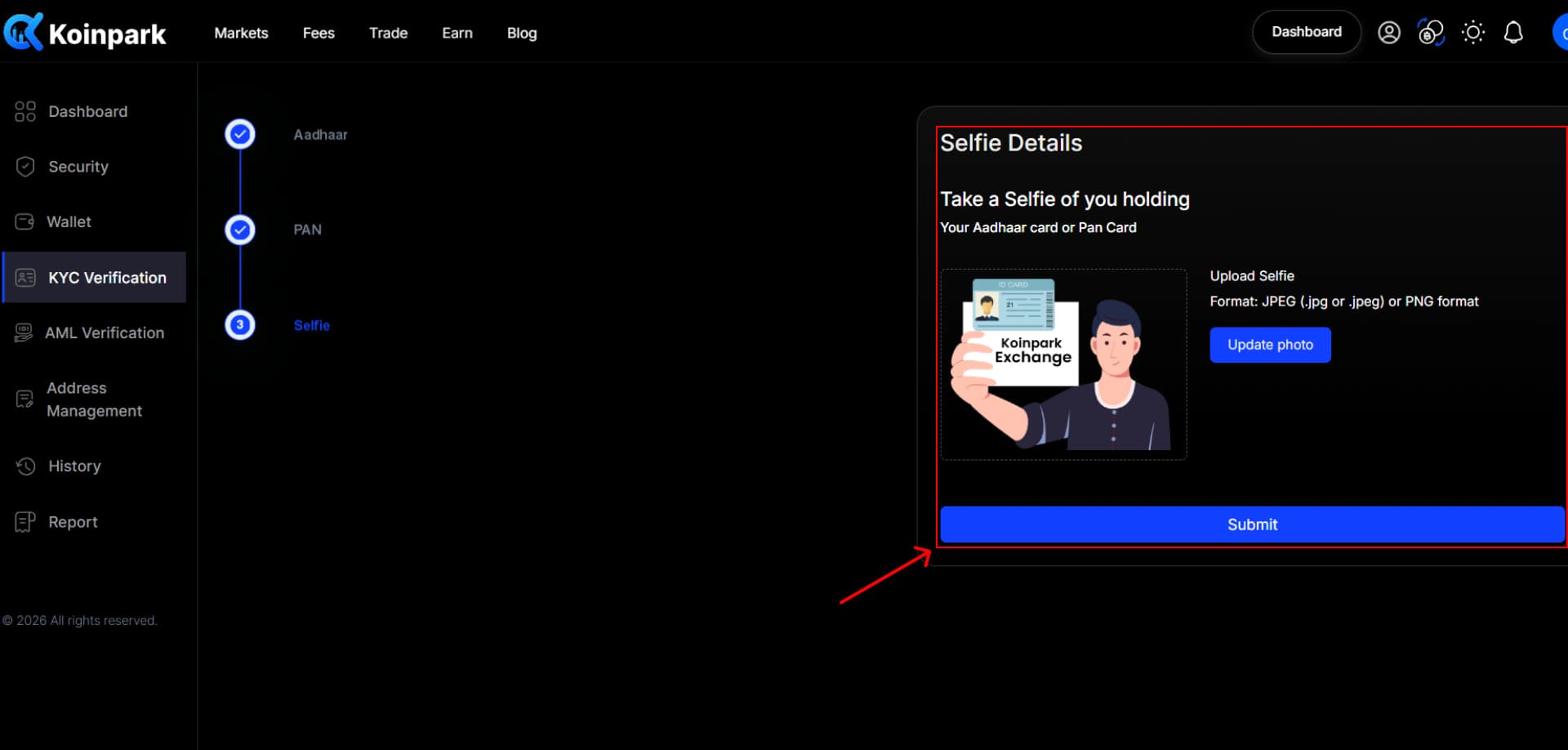
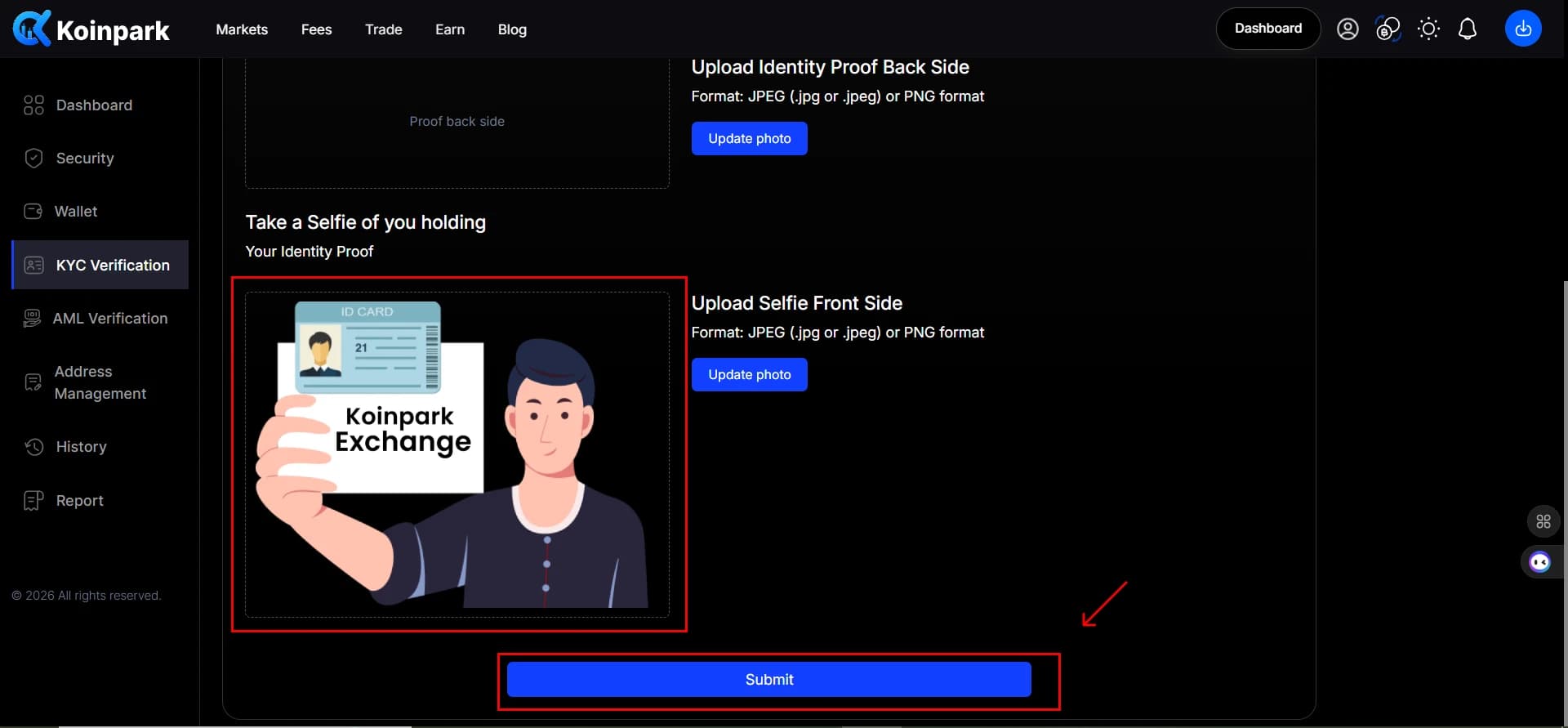
After that, take a selfie of you holding either the Aadhaar or the PAN card and upload it.
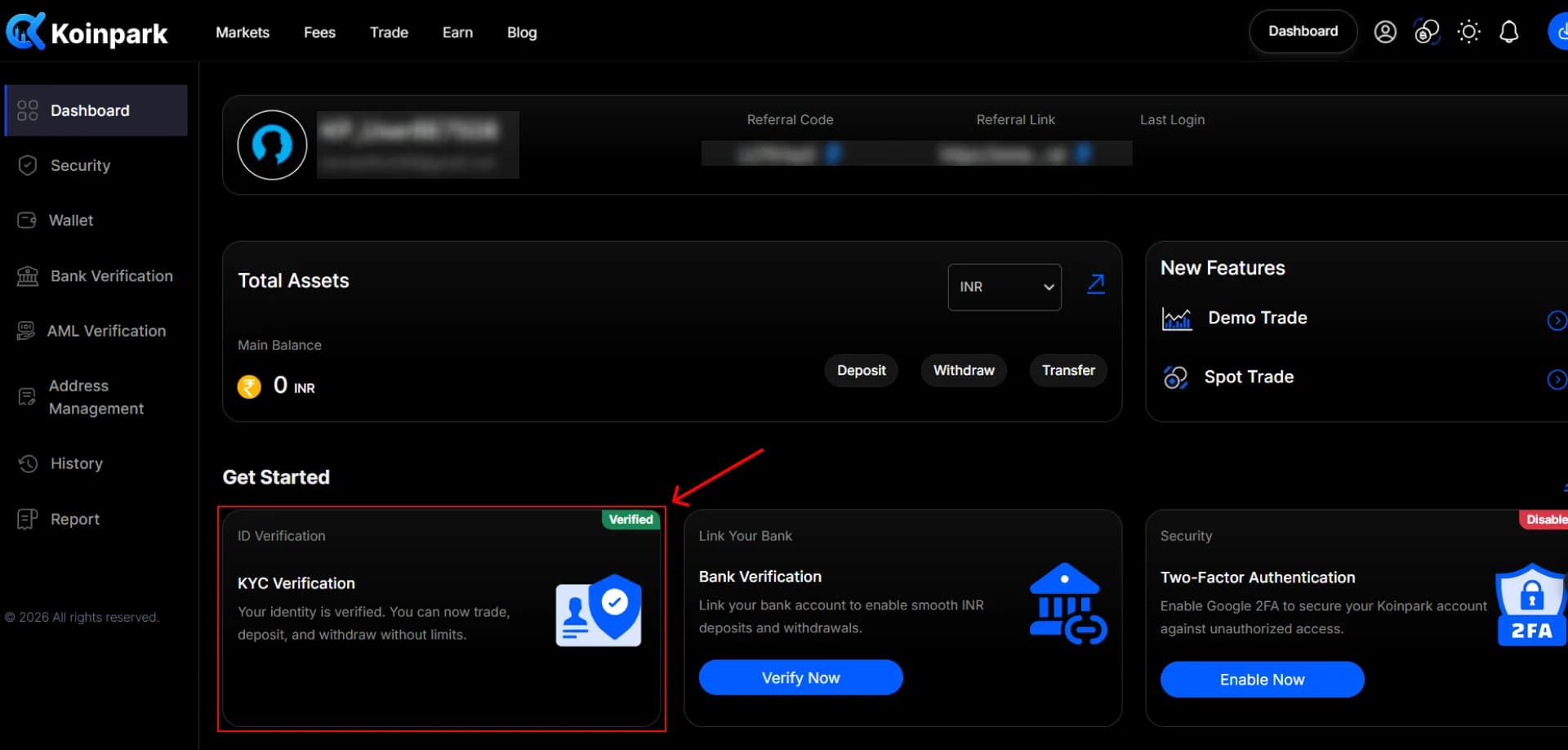
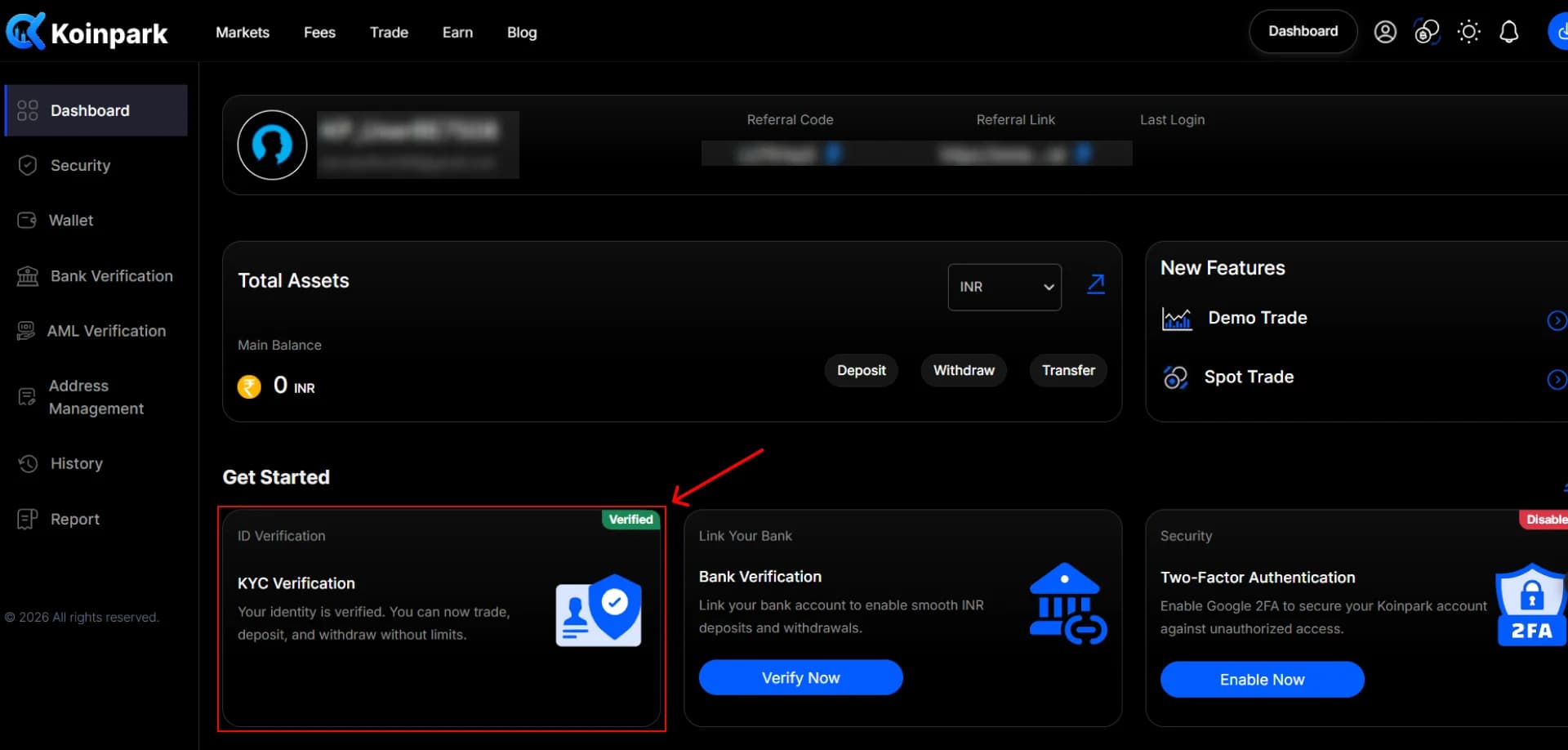
Once Koinpark verifies your KYC documents, your KYC verification status will appear as shown below
How to Complete KYC (Non-Indian) on Koinpark?
To complete Non-Indian KYC on Koinpark, follow the steps below:
Go to your [Dashboard]
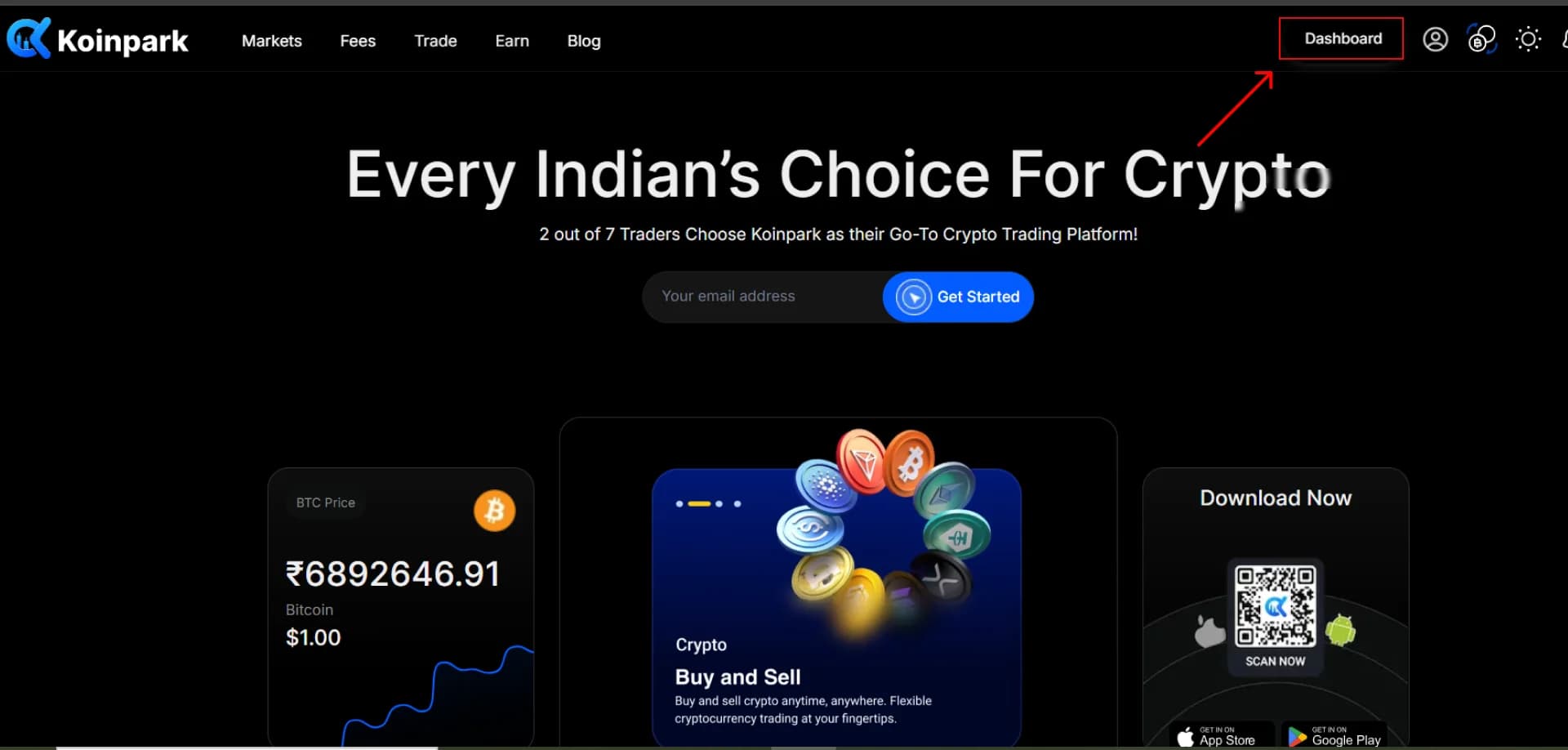
Navigate to [KYC Verification] field and click [Verify Now] button.
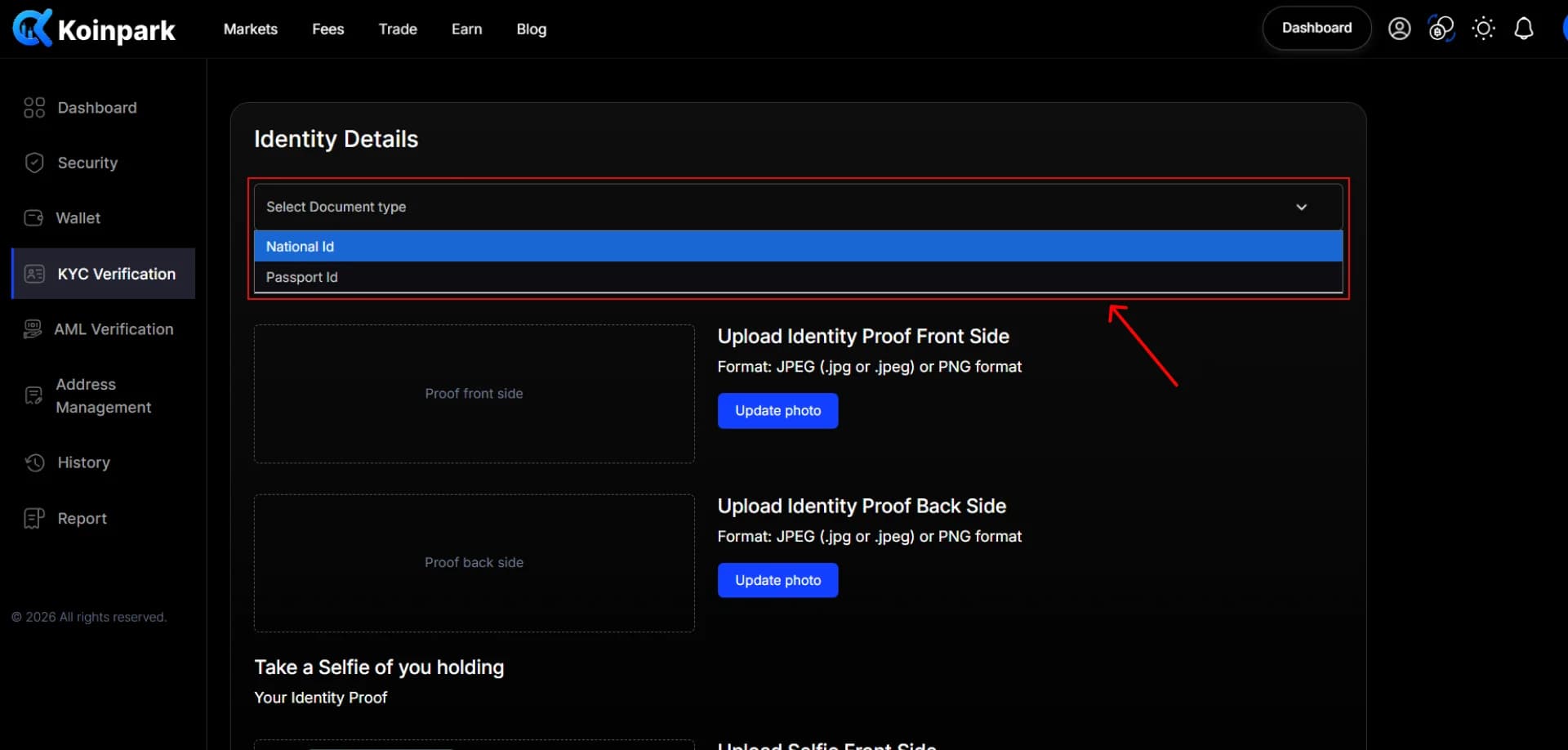
Select the document type from the dropdown.
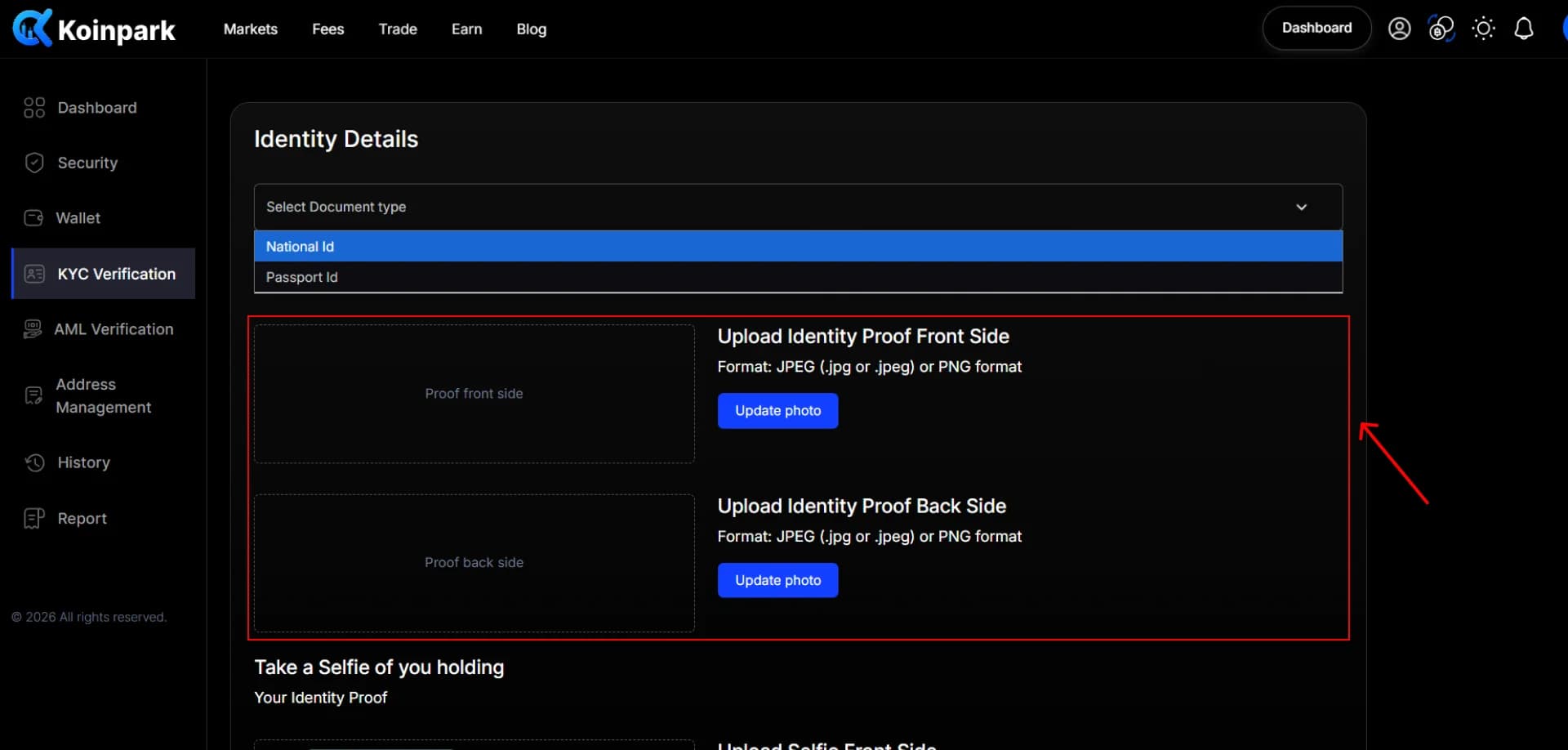
Upload the [front side] and [back side] of your ID proof.
Then, upload a selfie of yourself holding a valid ID proof and click [Submit] button.
After submitting, you’ll see a pop-up message stating [Your details has been submitted].
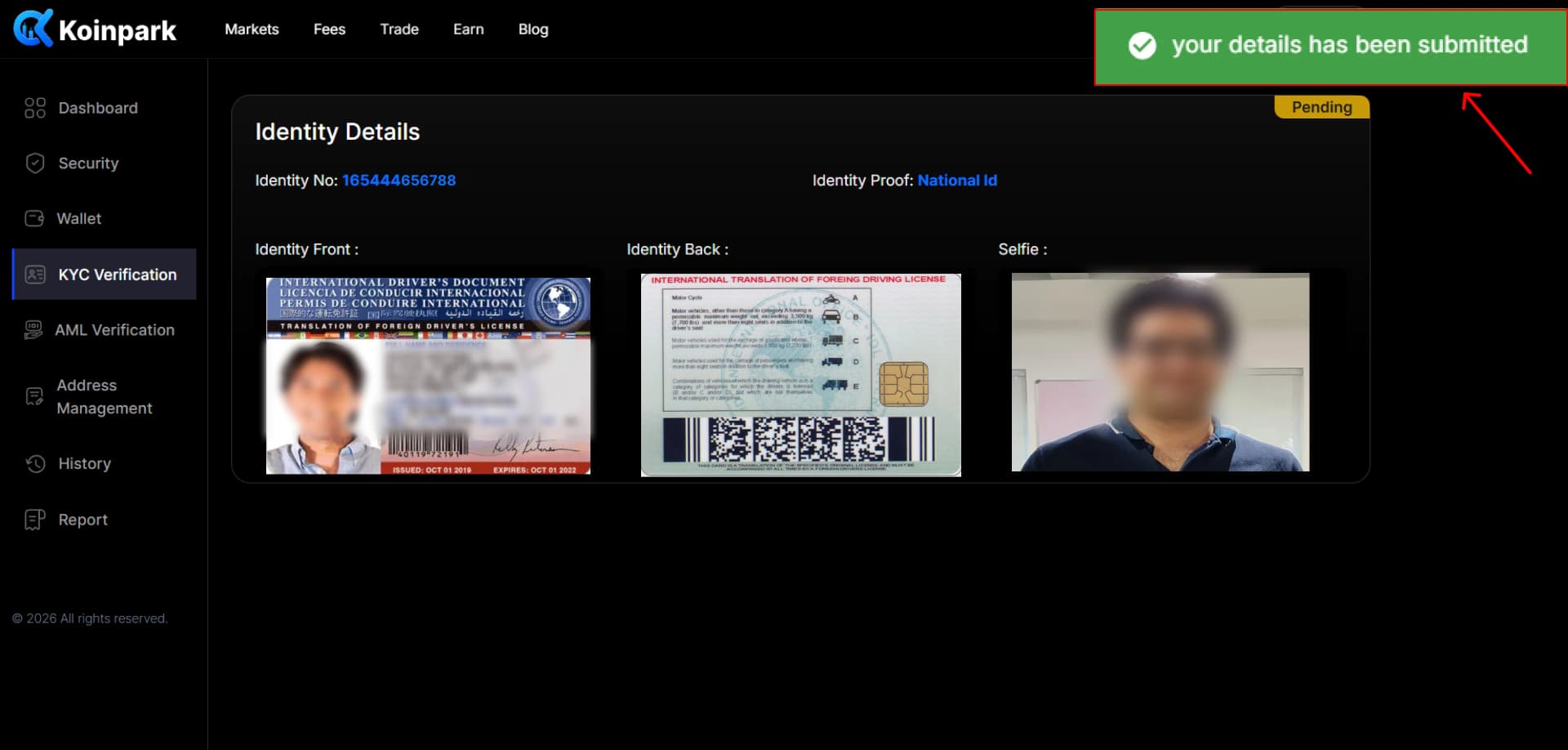
Once Koinpark verifies your KYC documents, your KYC verification status will appear as shown below.